

WELCOME
to smart, effortless sleep with the Sleep NumberTM 360 Smart Bed
Let’s get started! Swipe left
 Note: This guide only applies to the 360 smart bed
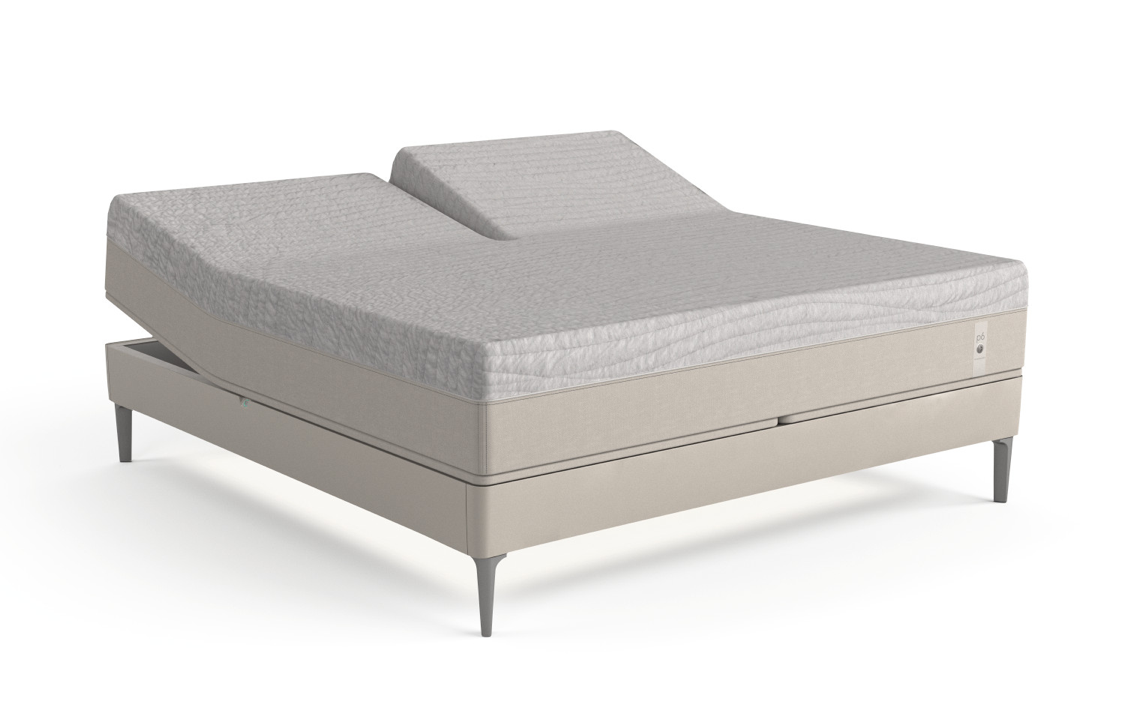
Introducing Your Sleep NumberTM 360 Smart Bed
Congratulations on your purchase of the only product of its kind, the Sleep Number 360 smart bed. We’d like to help you get to know its features. Refer to this guide and others in SleepIQ® > Feed if you’re looking for a refresher!
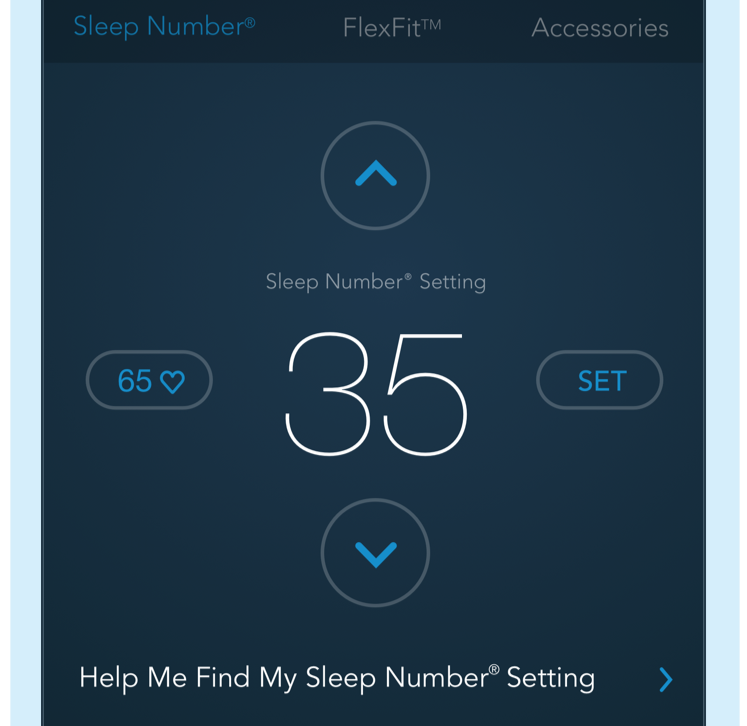
Sleep NumberTM
Every 360 smart mattress features Sleep Number’s DualAirTM adjustability, which allows both sleepers to adjust the firmness on each side of the bed. That firmness is your Sleep Number setting.
Use the SleepIQ® application, or the Sleep Number 360 smart bed remote (if you purchased one), to easily adjust your Sleep Number setting.
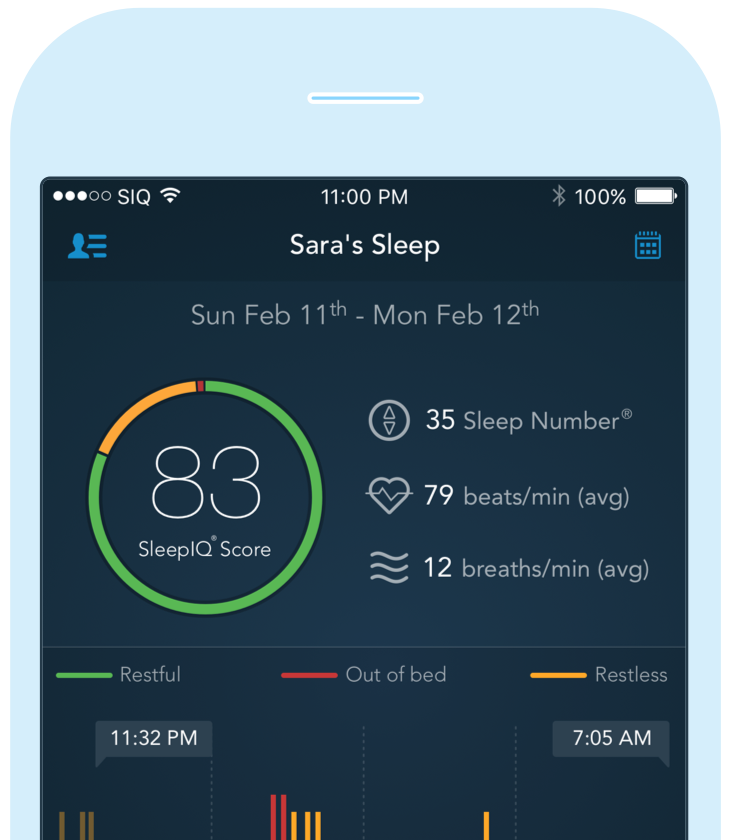
SleepIQ® Technology
SleepIQ technology is the operating system of your bed. It tracks your individual biometrics and adjusts to you over time.
See the quality of your sleep (Sleep), discover your sleep trends (Insights), adjust your mattress and base (Bed Control) and more.
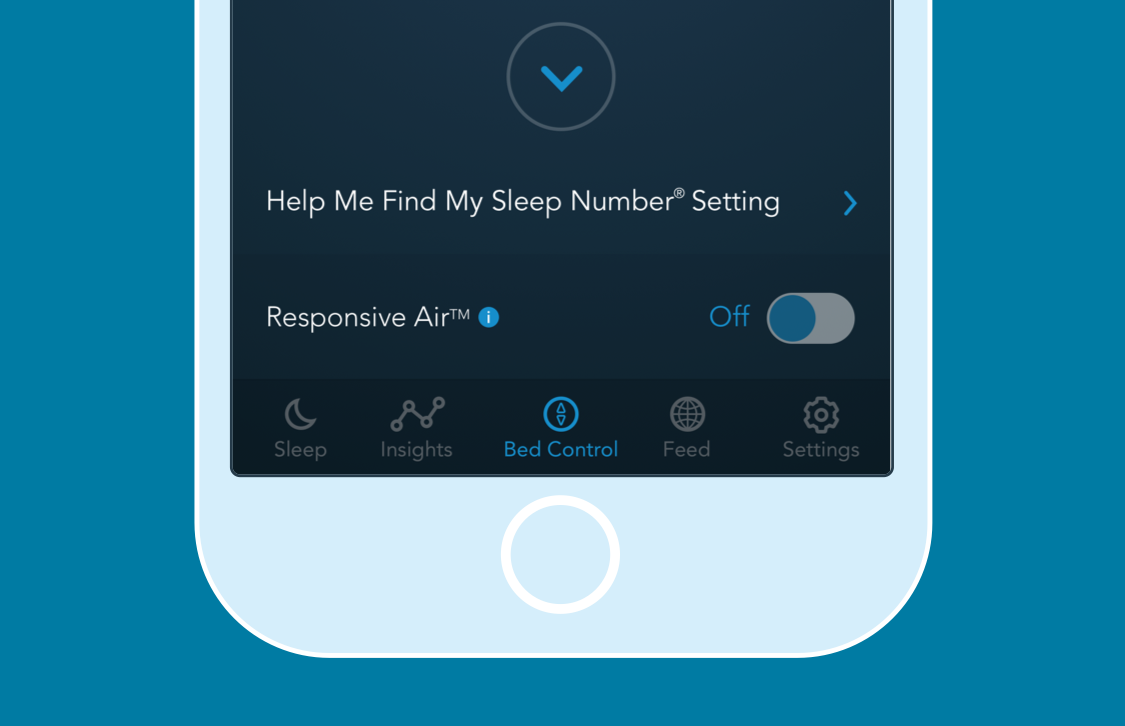
Responsive AirTM
Using SleepIQ® technology, Responsive Air automatically responds to your movement in order to keep you at your ideal level of comfort throughout the night.
To activate this feature, in your SleepIQ app go to Bed Control > Sleep Number and toggle Responsive Air to “ON.”
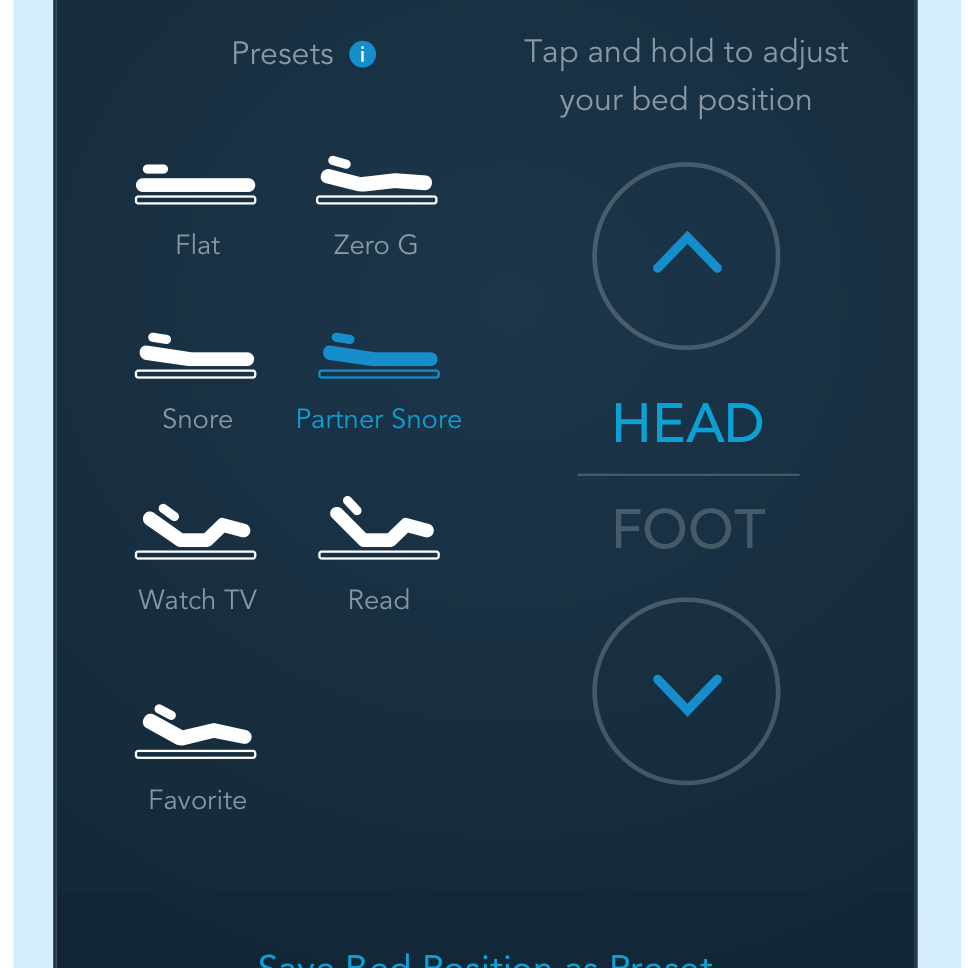
Control Your FlexFitTM Adjustable Base
With endless adjustability designed for individualized, enhanced comfort, you can easily fine-tune your FlexFit adjustable base to a position that’s right for you.
To adjust the base, use either the FlexFit tab in Bed Control in the SleepIQ® app or the 360 remote. Use the up/down arrows to find the "just right" spot for you.
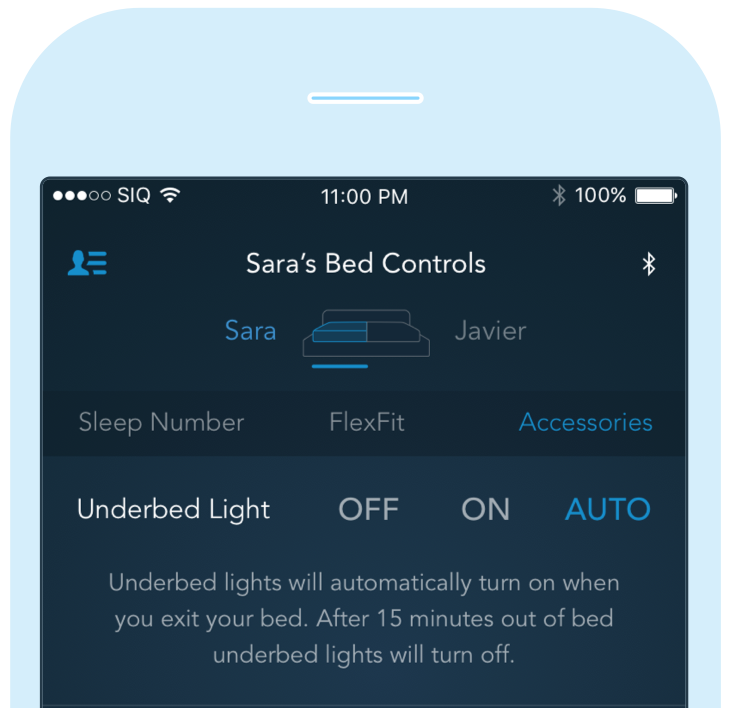
Underbed Lighting
(All 360 FlexFitTM adjustable bases)
Underbed Lighting helps you see in the dark by gently illuminating the floor.
To have it automatically turn on when you get out of bed, go to SleepIQ > Bed Control > Accessories and set to Auto; it will turn off approximately 15 seconds after you get back into bed. You can also turn it on and off manually in Bed Control or with the 360 remote.
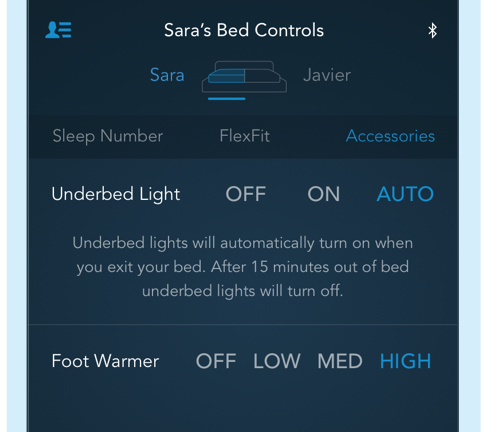
Foot Warming
(360 FlexFitTM 3 adjustable base)
You fall asleep faster if your feet are gently warmed. Climb into a cozy bed using the Foot Warming feature.
Foot Warming can be manually turned on and off, or added to a routine in SleepIQ® so your bed is warmed before you get in for the night. Go to Bed Control > Accessories to control manually, set up a routine or set a manual timer for your Foot Warming.
VIDEO
Experience the 360 Smart Bed
Ready for great sleep? Use the links below to learn more about SleepIQ and Bed Control, where you operate your bed.
NOTE: All Bed Control features are not available on all bed models; SleepIQ will indicate what features are available to you.